
Quick phrases
Start with quick phrases and organize frequently used items according to actual work needs.

Every product detail and button is designed with the user experience in mind

Don't have the app you need? Contact us to help you adapt it

Supports multiple users on one account with cloud data sync
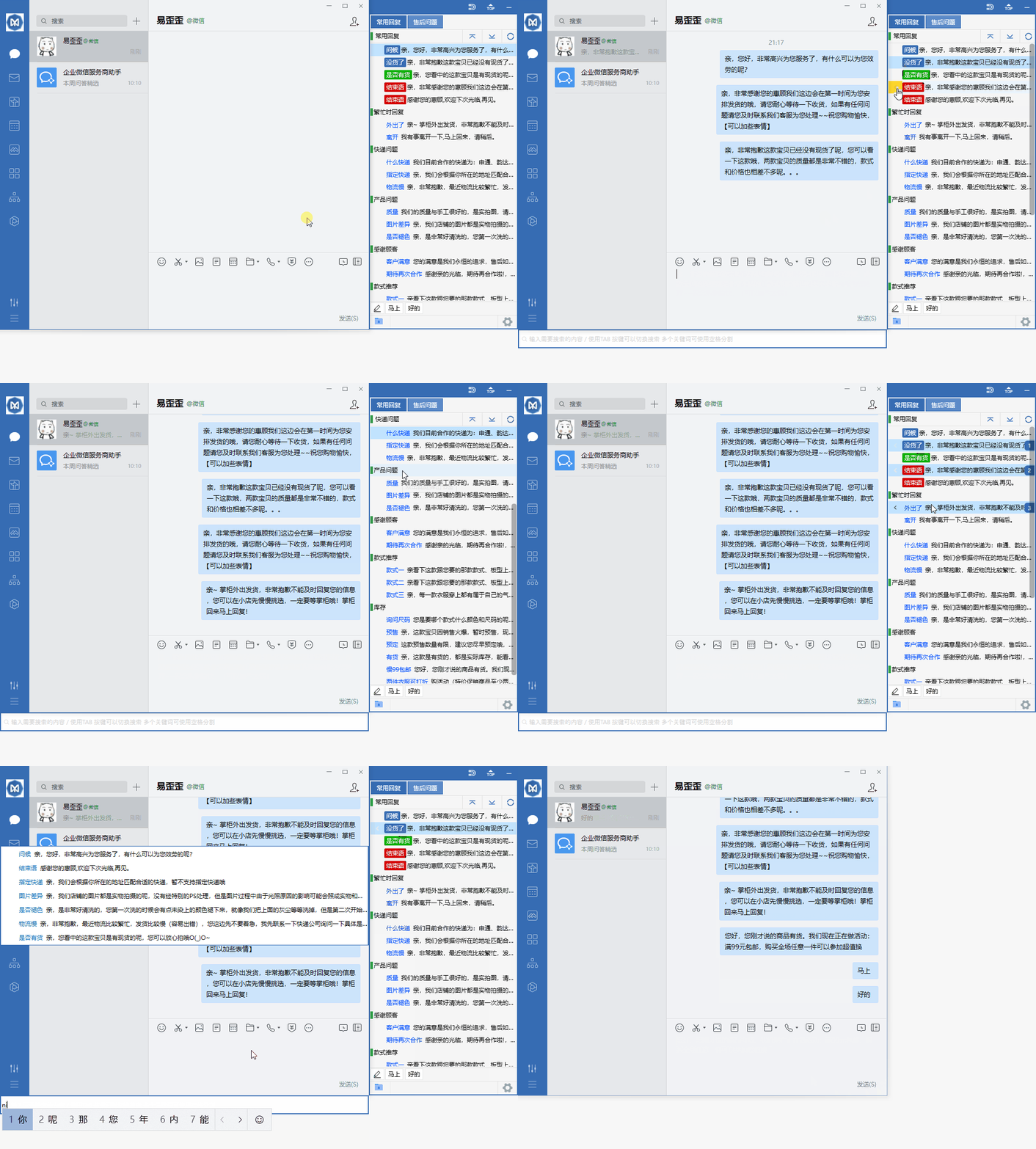
Organize daily customer service communication with reply categories, quick input and team sync.
Start with quick phrases and organize frequently used items according to actual work needs.
Combine data grouping with team sync to keep daily operations clearly organized.
Use desktop communication in a familiar interface and adjust your settings as needed.
View options related to quick phrases, and confirm device and version information before you begin.
Select your device system in the download center and view the corresponding version name.
Open the installation file and follow the on-device installation prompts to complete setup.
Focusing on common connection scenarios for Yiyiwaiai, this section adds clear device compatibility and usage suggestions. The content only covers practical use, without involving backend configuration, template adjustments, or any production instructions.
Phones, tablets, and computers can all connect quickly with the same account, without repeated setup when switching devices.
It is recommended to use Wi-Fi or a stable mobile network to avoid long waits for the first connection caused by a weak signal.
New versions usually improve connection stability and compatibility. After installation, you can complete basic checks by following the prompts.
First confirm that the system time is correct, then check whether the network is available. If you still cannot connect, completely exit the client and reopen it, then wait for the home page status to update.
The same account can be logged in on different devices, but the actual number of connections depends on the current plan and device environment. It is recommended to switch as needed to avoid unnecessary background usage.